Rider App
Smarter Employee Commutes.
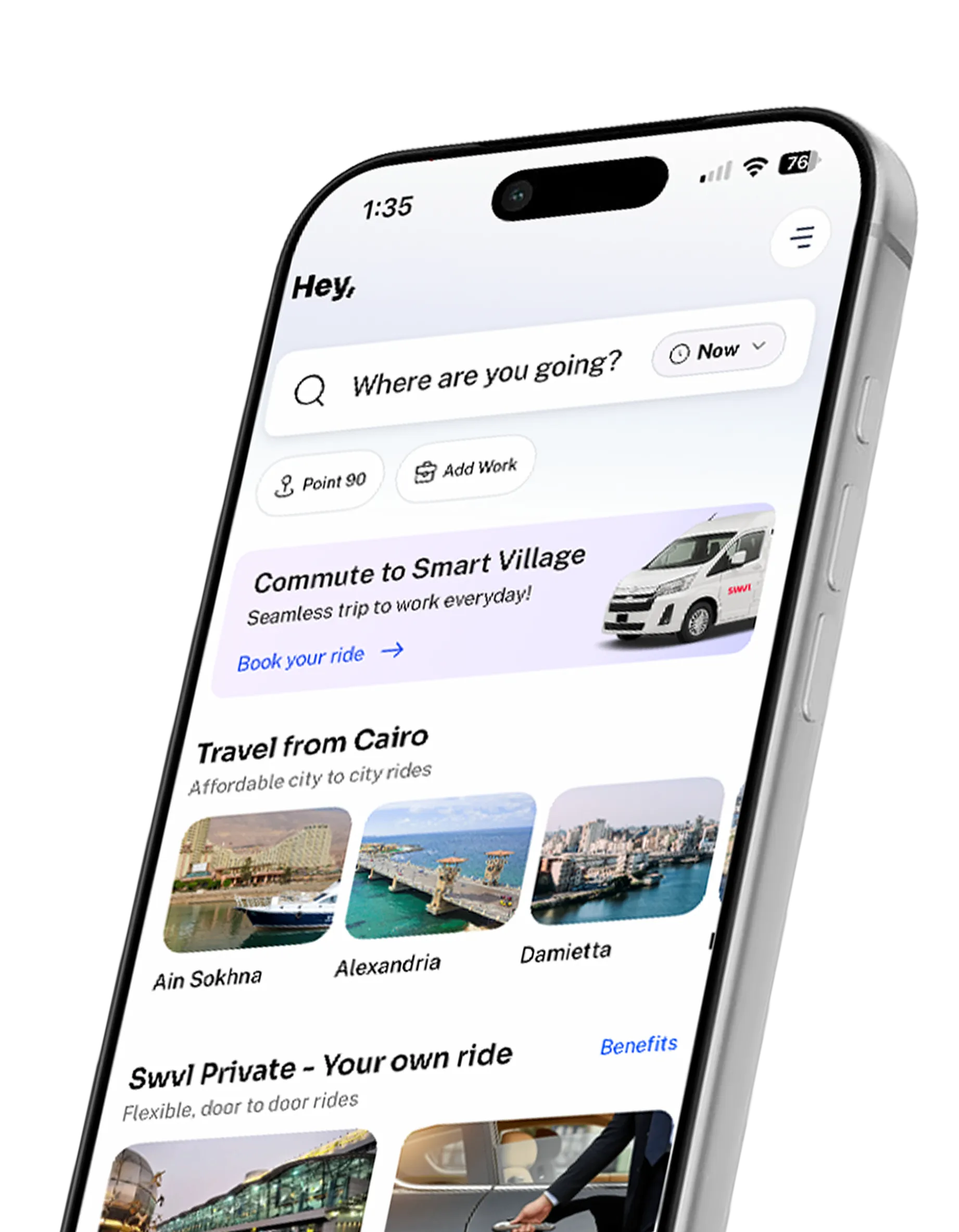
Manage your work shuttle from your phone with easy booking, live tracking, and alerts.
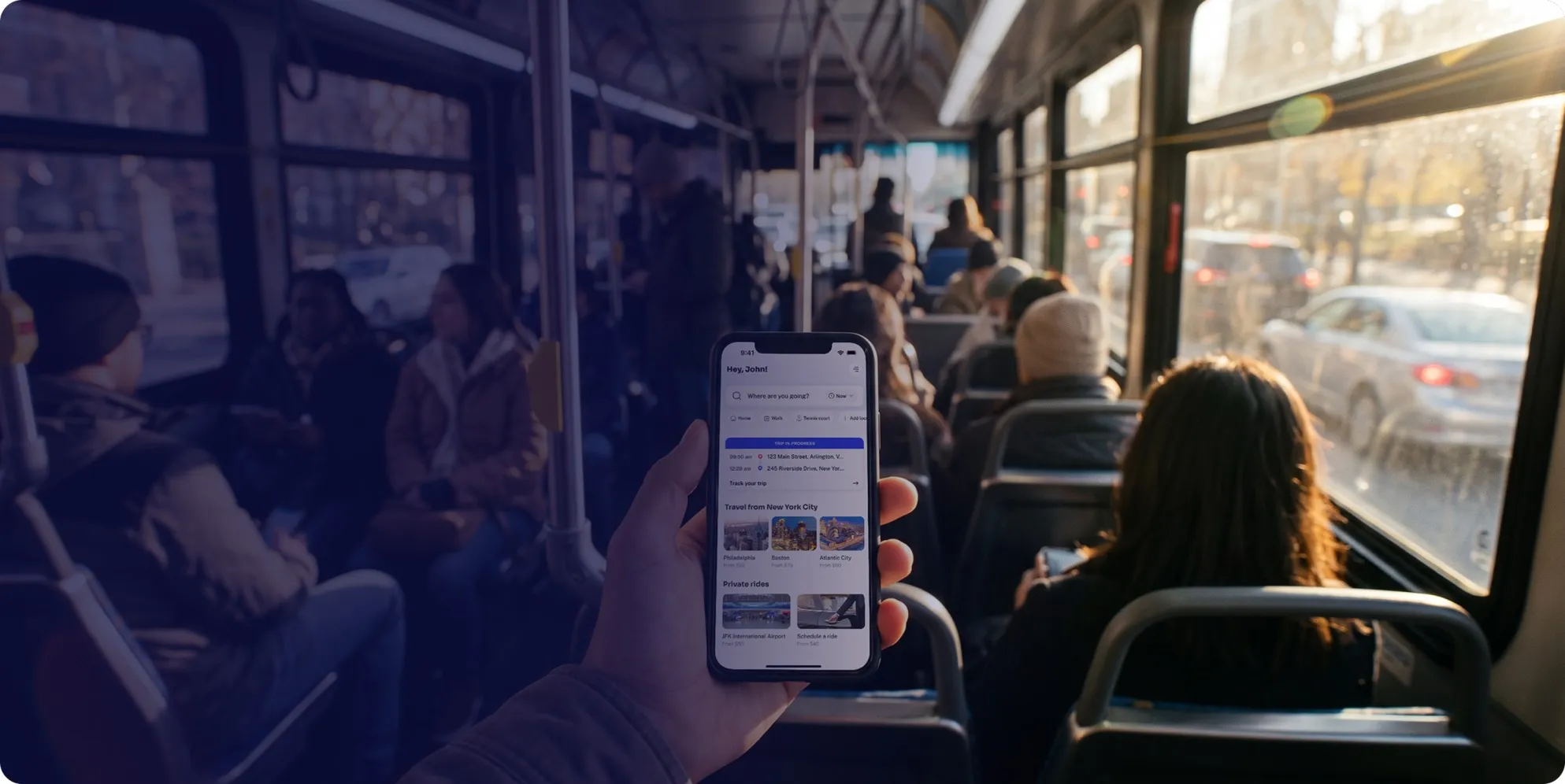
Your daily ride, simplified.
1.
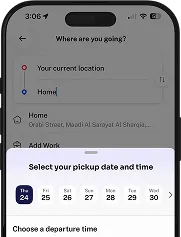
Open the App
Download Swvl and enter your pickup & destination.
2.
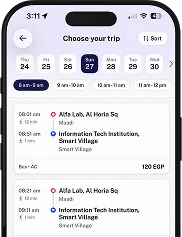
Book Your Trip
Plan ahead, secure your seat, and skip the rush.
3.
Manage Your Booking
Update your trip or cancel your booking with ease.
4.
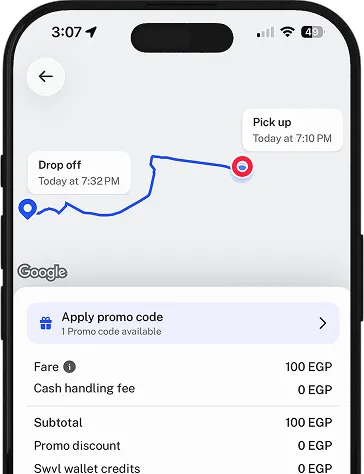
Arrival Alerts
Live shuttle tracking and arrival alerts.
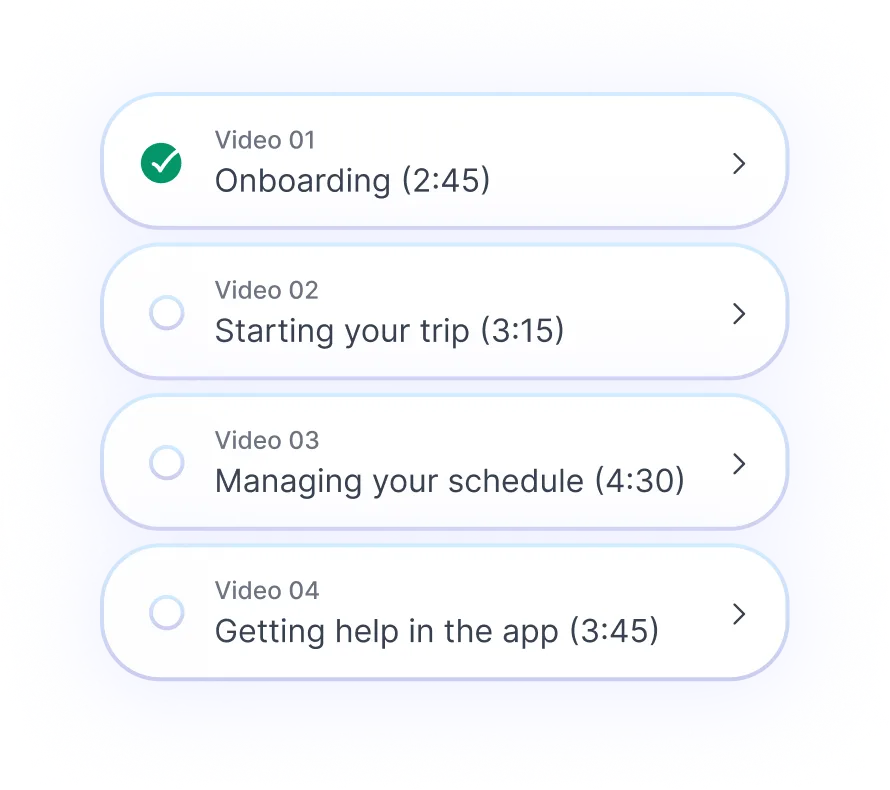
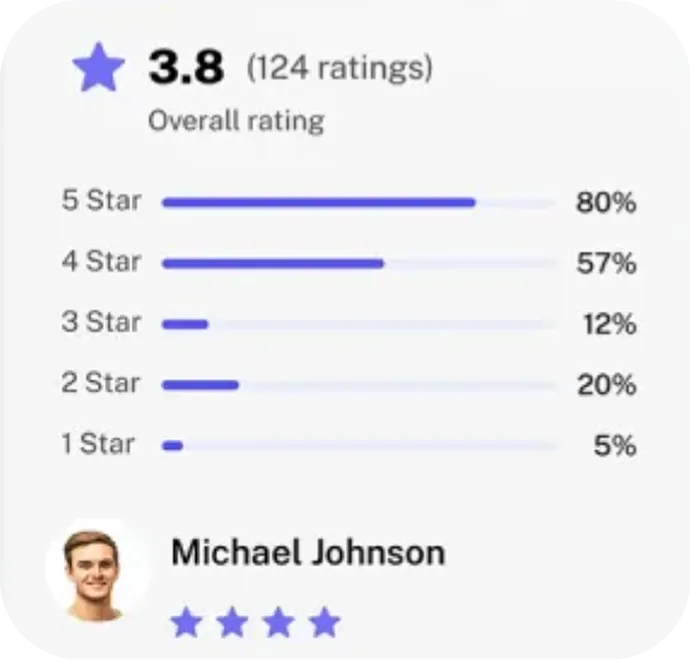
Need a hand? We’ll take the wheel.
Browse more FAQs

Is the Swvl rider app available on both iOS and Android?
Yes. The Swvl rider app is available on both the Apple App Store and Google Play Store. Download the app, create an account with your work or personal email, and your operator will add you to your assigned route. You will receive a confirmation once your seat is confirmed.
What happens if I miss my Swvl stop?
If you miss your stop, contact your operator or the Swvl support team through the app. The captain follows the confirmed route and cannot hold at a stop once departure time has passed. Riders on recurring routes should arrive at least two minutes before scheduled departure.
Can I track my Swvl ride in real time?
Yes. The Swvl rider app shows your captain's live location from the moment the trip begins. You can see estimated arrival times at each stop and receive notifications if the route is running ahead of or behind schedule. Tracking is active throughout the entire trip.
How do I book a ride on the Swvl app?
Open the Swvl app, select your pickup point from the available stops on your route, and confirm your booking. Your seat is reserved and a captain is assigned before departure. You receive a confirmation with the captain's details and live tracking once the trip begins.